Daylight simulation: how a building is tested for light and glare
Daylight simulation is the computer calculation of how much natural light reaches points inside a building, from a 3D model, its surface properties and a description of the sky. It gives static values such as daylight factor, or annual metrics built from hourly weather data, and shows where direct sun or glare will disturb occupants.
What a daylight simulation needs as input
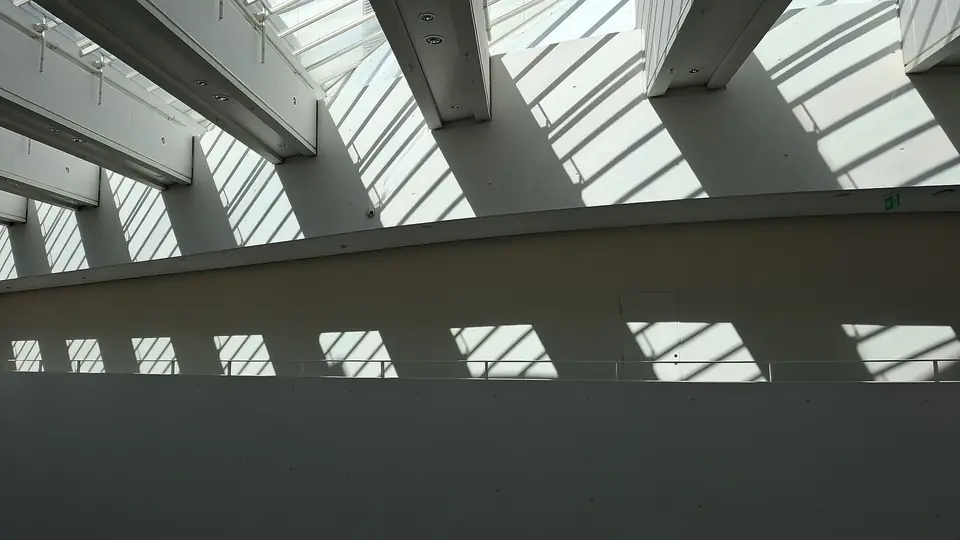
The model holds the rooms, the windows with their frames and reveals, and whatever outside blocks the sky. Each surface gets a reflectance and each pane a visible light transmittance. Illuminance, in lux, is calculated on a grid of sensor points at desk height, and glare at chosen eye positions. The sky is either a standard overcast sky or a weather file, usually in EPW format, with hourly sun and sky radiation for a typical year.
Geometry exported from a building information model needs checking first. Small gaps where walls meet slabs let light leak in and show as bright streaks. Template materials cause a quieter error: default glass that transmits more light than the specified low-emissivity glazing, or walls left whiter than the finishes. Values from product data, and window frames modelled at their real size, prevent both.
Daylight factor and climate-based metrics
Daylight factor is the illuminance at a point indoors divided by the illuminance on an unobstructed horizontal surface outdoors under a standard overcast sky, given as a percentage. That sky is the same in every compass direction, so north and south rooms with identical windows score the same. Climate-based metrics run every occupied hour of the year with the site's weather:
- Spatial daylight autonomy (sDA): the share of floor area that reaches a target, commonly 300 lux, for at least half of the occupied hours.
- Annual sunlight exposure (ASE): the share of floor area that gets more than 1,000 lux of direct sun for more than 250 occupied hours a year, with blinds open.
- Useful daylight illuminance (UDI): the share of hours when light stays in a band that is neither too dark nor glaring; versions differ on the limits, so state them.
- Daylight glare probability (DGP): a value between 0 and 1 for one view at one moment, calculated from a fisheye image at eye height.
How ray tracing works in plain words
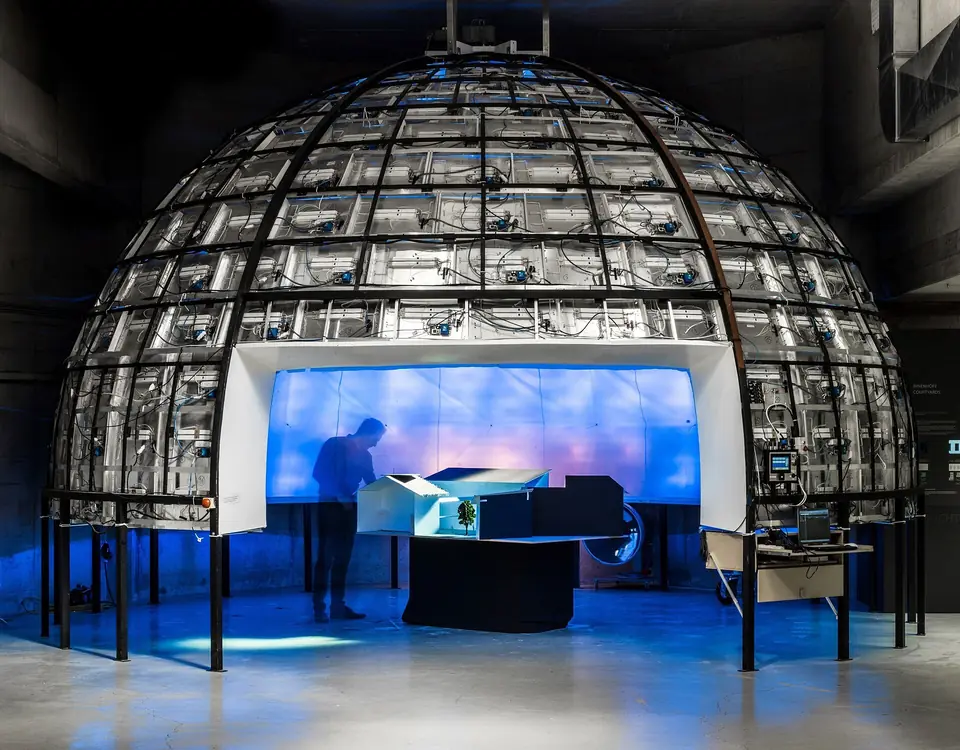
Radiance, the engine inside many daylight tools, traces rays backwards. From each sensor it sends rays into the room; each ray bounces off surfaces, losing energy according to their reflectance, until it reaches the sky through a window. The sensor's value is the sum of what its rays bring back. Annual tools save time by working out once how much each patch of sky adds to each sensor.
A setting called ambient bounces limits how many diffuse reflections are followed. Set too low, it makes the back of a deep room look darker than it will be, because light there arrives after several bounces. A sound check is to raise the bounces and ray density until results stop changing, then keep those settings for every option.
Energy simulation alongside daylight
An energy model in EnergyPlus splits the building into thermal zones and calculates heating and cooling in time steps of an hour or less, driven by the same hourly weather file. Daylight and energy pull against each other: a larger window brings light deeper into the room but adds summer solar gain and winter heat loss. Daylight results tell the energy model when dimmable lights can switch down.
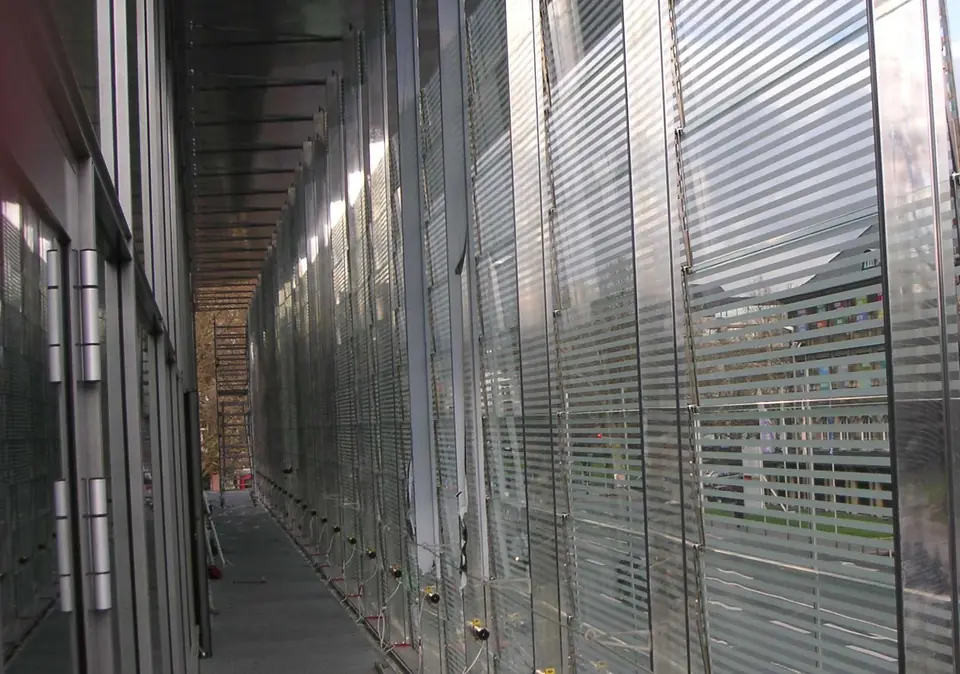
Layered facades need both calculations. Blinds inside a ventilated glass cavity cut daylight and absorb sun that warms the cavity air. In a generative design workflow both models can run for every option the script generates, so window size and shading are compared on light and energy together.
Worked exampleChecking a school wing for daylight and sun
Hypothetical project. A two-storey school wing has classrooms either side of a corridor, one row facing roughly south and the other north. The architect needs to know whether both rows get enough daylight and whether the south rooms need external shading.
- 01
Model the rooms, framed windows and the neighbouring building, with the reflectances of the planned finishes.
- 02
Run daylight factor first. Both rows score alike, because the overcast sky ignores orientation, so this metric cannot answer the shading question.
- 03
Run an annual daylight simulation with the site weather file. The north rooms meet the sDA target; the south rooms meet sDA but fail ASE near the windows.
- 04
Add external horizontal louvres on the south side and rerun. ASE falls within the limit, and sDA drops slightly but still passes.
- 05
Calculate DGP from a pupil's seat by the window with a low winter sun, which horizontal louvres barely block, to decide whether internal blinds are needed too.
Where it falls short
- Real daylight in many rooms depends on how people set their blinds, which no model predicts reliably.
- A weather file describes a typical year, often recorded at a station away from the site, such as an airport; an unusually dull or hot year will differ.
- Glare is calculated for one view at one moment, so studies sample the worst seats and times instead of covering every hour.
- A simulation ranks options well when all share the same inputs and settings; an absolute figure is only as good as those inputs, so reports should list them.
Key terms
- Daylight factor
- Indoor illuminance at a point divided by outdoor horizontal illuminance under a standard overcast sky, expressed as a percentage. It ignores orientation and direct sun.
- Spatial daylight autonomy (sDA)
- The share of a floor area that reaches a target illuminance, commonly 300 lux, for at least half of the occupied hours in a year.
- Annual sunlight exposure (ASE)
- The share of a floor area that receives more than 1,000 lux of direct sunlight for more than 250 occupied hours a year. High values warn of glare and overheating.
- Useful daylight illuminance (UDI)
- The share of occupied hours when illuminance at a point falls inside a band that is bright enough to be useful but not so bright that it causes glare.
- Daylight glare probability (DGP)
- A value between 0 and 1 that estimates how likely a person at one view position is to be disturbed by glare, calculated from a fisheye luminance image.
- Ambient bounces
- A ray-tracing setting that limits how many diffuse reflections a ray follows. Too few bounces make deep rooms look darker than they are.
Questions
What is the difference between daylight factor and spatial daylight autonomy?
Daylight factor is a single ratio under an overcast sky and does not change with orientation or climate. Spatial daylight autonomy uses a full year of hourly weather for the site and reports how much of the floor reaches a target light level for at least half the time. A room can look fine on one and poor on the other.
Is a weather file needed for a daylight factor calculation?
No. Daylight factor uses a standard overcast sky, so location and orientation do not enter the calculation. A weather file is needed for climate-based metrics such as sDA, ASE and UDI, and for any energy model.
How accurate is a daylight simulation?
Radiance has been compared with measurements in real rooms and scale models many times and performs well when the inputs are right. Most errors come from the inputs: wrong reflectances, missing obstructions, gaps in the geometry or settings that are too low. Treat results as reliable for comparing options and as estimates for absolute values.